Real-time GPS fleet tracking
See your whole fleet on one map and find the information you need to follow your vehicles as they move.
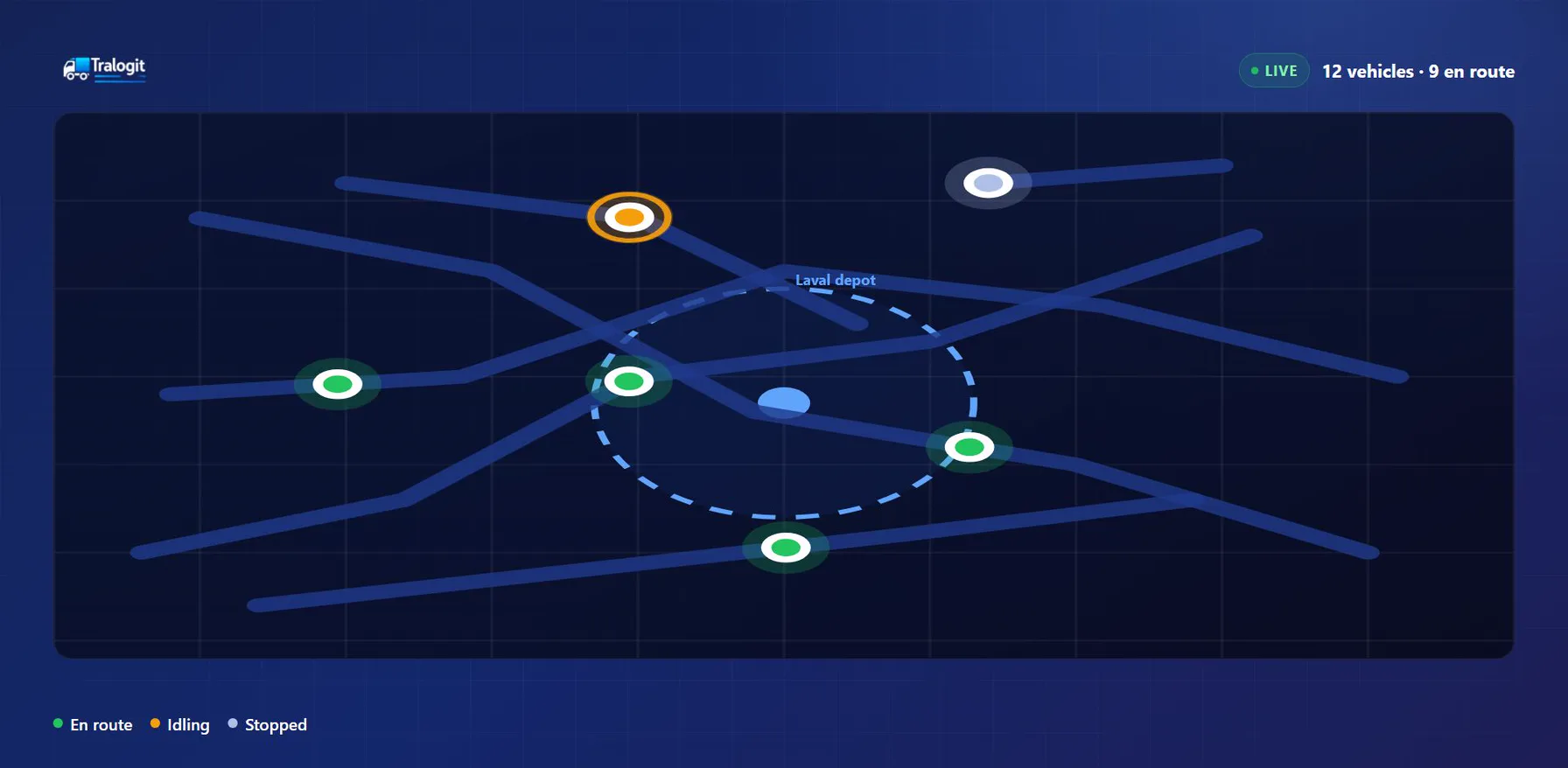
Locate every vehicle on a single map
Display your vehicle positions and check their status from one map, without switching between tools.
- GPS position and address
- Speed and heading
- Vehicle status
- Last communication
- Assigned driver
- Vehicle details
Review trip history
Look up the journeys a vehicle made over a given period: start points, destinations, distances and durations.
- Trips: Departures, destinations, distance covered and duration.
- Stops: Idle periods and the location of every stop.
- Replay: Replay a vehicle route on the map to analyse how the journey unfolded.
Create geofences
Define the geographic areas that matter to your operation, then configure events when vehicles enter or leave them.
- Depots and warehouses
- Job sites
- Customer sites
- Restricted areas
- Mine sites
GPS or telematics: what is the difference?
GPS mainly answers one question: where is my vehicle? Telematics goes further and describes how the vehicle is being used, adding data such as engine hours, odometer, fuel or fault codes, depending on the vehicle and the installed hardware.
GPS tracking for trucks and commercial vehicles
Tralogit GPS tracking works across very different types of fleet.
- Trucks and heavy vehicles
- Delivery vehicles
- Vans
- Service vehicles
- Light vehicles
- Compatible equipment
A map connected to the rest of your fleet
Location data is not a silo. Inside Tralogit it connects to vehicles, drivers, trips, events, maintenance work and reports.
Frequently asked questions
How does GPS fleet tracking work?
Can past trips be reviewed?
Does GPS keep working when the vehicle is parked?
Can I create zone-based alerts?
See the Tralogit platform
Centralise your fleet data and turn it into information your operation can act on.
Request a demo